helix
安装python
brew install python-lsp-server

hx ~/.config/helix/languages.toml
[[language]]
name = "python"
auto-format = true

[language.debugger]
name = "debugpy"
transport = "stdio"
command = "python3"
args = ["-m",  "debugpy.adapter"]

[[language.debugger.templates]]
name = "source"
request = "launch"
completion = [ { name = "entrypoint", completion = "filename", default = "." } ]
args = { mode = "debug", program = "{0}" }
安装golang
brew install go
配置golang
hx ~/.zshrc
添加如下代码
export GOPATH="/Users/maoxian/go"
export PATH=$PATH:$GOPATH/bin
hx ~/.config/helix/languages.toml
添加下面代码
[[language]]
name = "go"
auto-format = true
formatter = { command = "goimports" }
检查golang
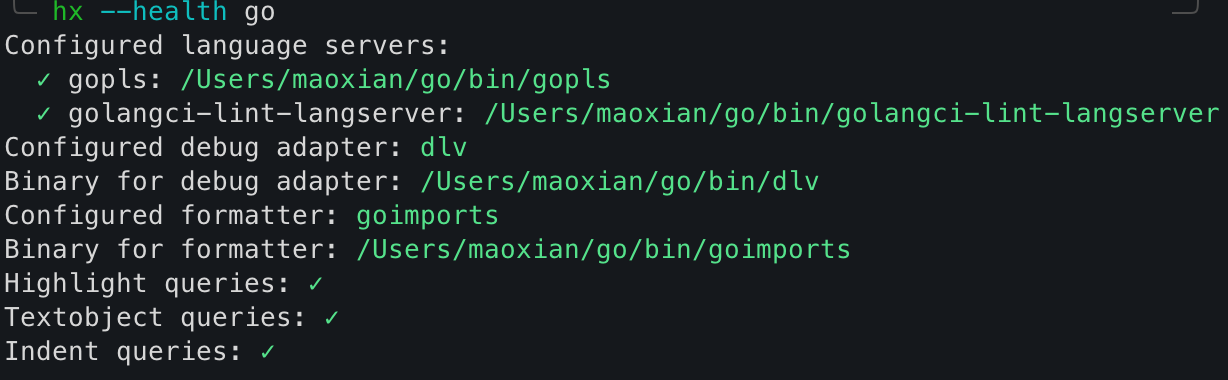
hx --health go效果如下
docs
https://docs.helix-editor.com/install.html
开发工具
- 先安装item2
- 在item2中安装zellij
- 在zellij中安装helix
item2
brew install item2
zellij
brew install zellij
## 使用
zellij
helix editor
brew install helix
## 使用
hx xx
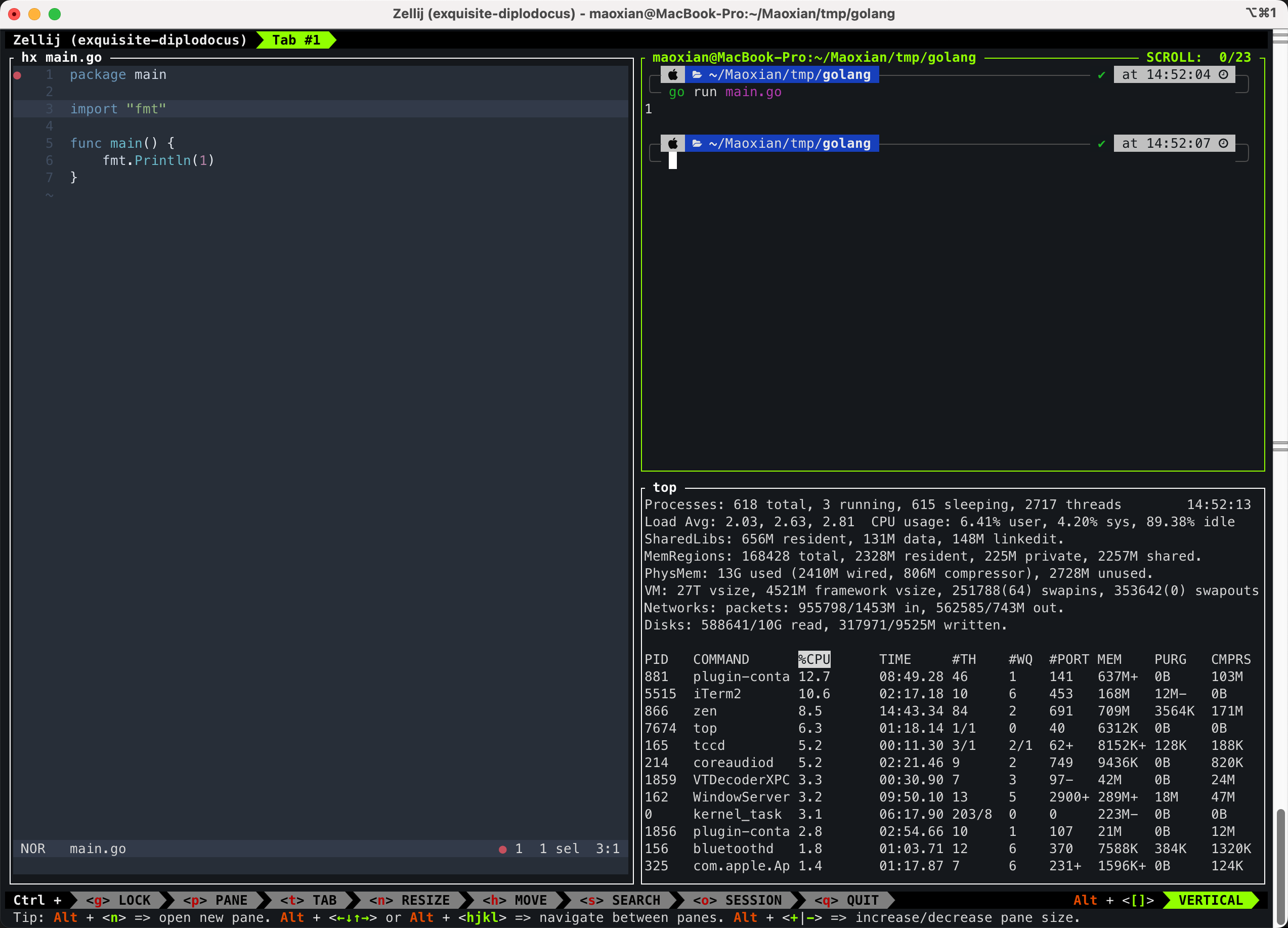
效果图